ChatGPT
- In ChatGPT, open Plugins and search for UVLens, or use the button below.
- Select Install plugin.
- Ask about UV. To use UVLens directly, start your message with UVLens.

Ask ChatGPT, Grok Bot, Muse and other AI assistants about the UV index. UVLens gives them hourly UV forecasts for anywhere in the world and burn times for your skin type.
Ask in your own words. Your assistant gets the forecast from UVLens and answers in the chat.
 UVLens What's the UV like where I am today?
UVLens When is UV lowest for a one-hour walk tomorrow?
UVLens How long until I burn at midday? I'm skin type 2.
UVLens Check the UV for my outdoor events this week.
UVLens What's the UV like where I am today?
UVLens When is UV lowest for a one-hour walk tomorrow?
UVLens How long until I burn at midday? I'm skin type 2.
UVLens Check the UV for my outdoor events this week.
Assistants that support MCP (Model Context Protocol) can connect to the UVLens MCP server. It needs no sign-in or API key.
https://mcp.uvlens.com/mcp
Or send your assistant a link to this page and ask it to set up UVLens.
Yes. The ChatGPT plugin and the MCP server are free, and you don't need a UVLens account.
ChatGPT has the UVLens plugin. Grok Bot, Claude, Muse, Cursor and other assistants that support MCP connectors can use the UVLens MCP server at https://mcp.uvlens.com/mcp.
No. The plugin doesn't use your device location. Your assistant sends UVLens the name or coordinates of the place you ask about. UVLens doesn't save your location or skin type.
UVLens uses the Fitzpatrick scale, from type 1 (always burns, never tans) to type 6 (rarely or never burns). The plugin doesn't work out your skin type. To find yours, take the skin quiz in the UVLens app.
No. A burn time is an estimate of how long until unprotected skin starts to burn. Protect your skin whenever the UV index is 3 or higher.
The plugin uses the same hourly UV forecasts as the UVLens app and UV map. They account for cloud, ozone and the position of the sun.
Read how the plugin handles your data in the plugin privacy policy.
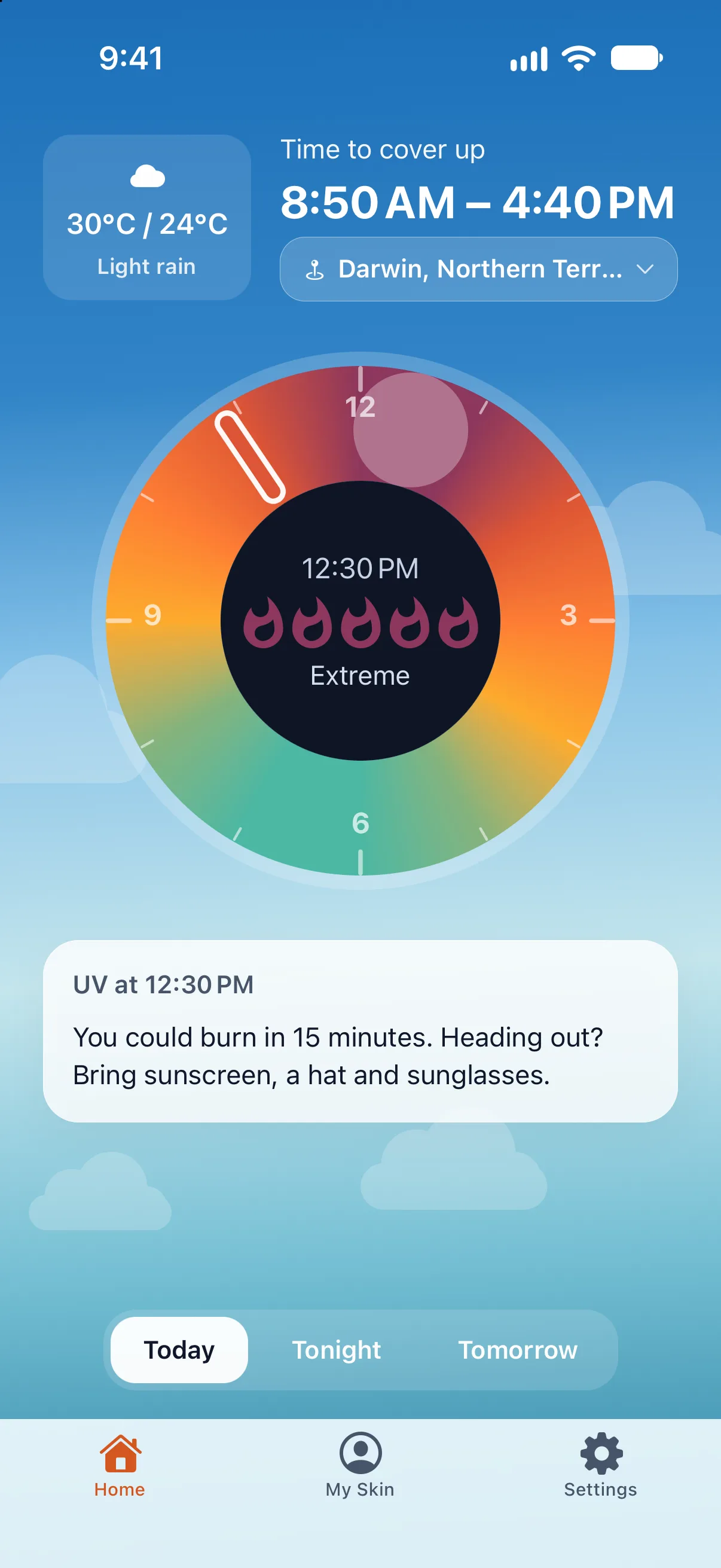
Hourly UV forecasts, your personal burn time and sunscreen reminders, on iPhone and Android.